Find blockers
Blocker Radar finds items in a Blocked state or with an exact Blocked tag and groups them by team area and owner.
STANDALONE AZURE BOARDS TOOL · IN PROGRESS
See explicit blockers across teams, how long they have been blocked, and which work item records have gone quiet. Give each item a contact and a next action in one shared triage view.
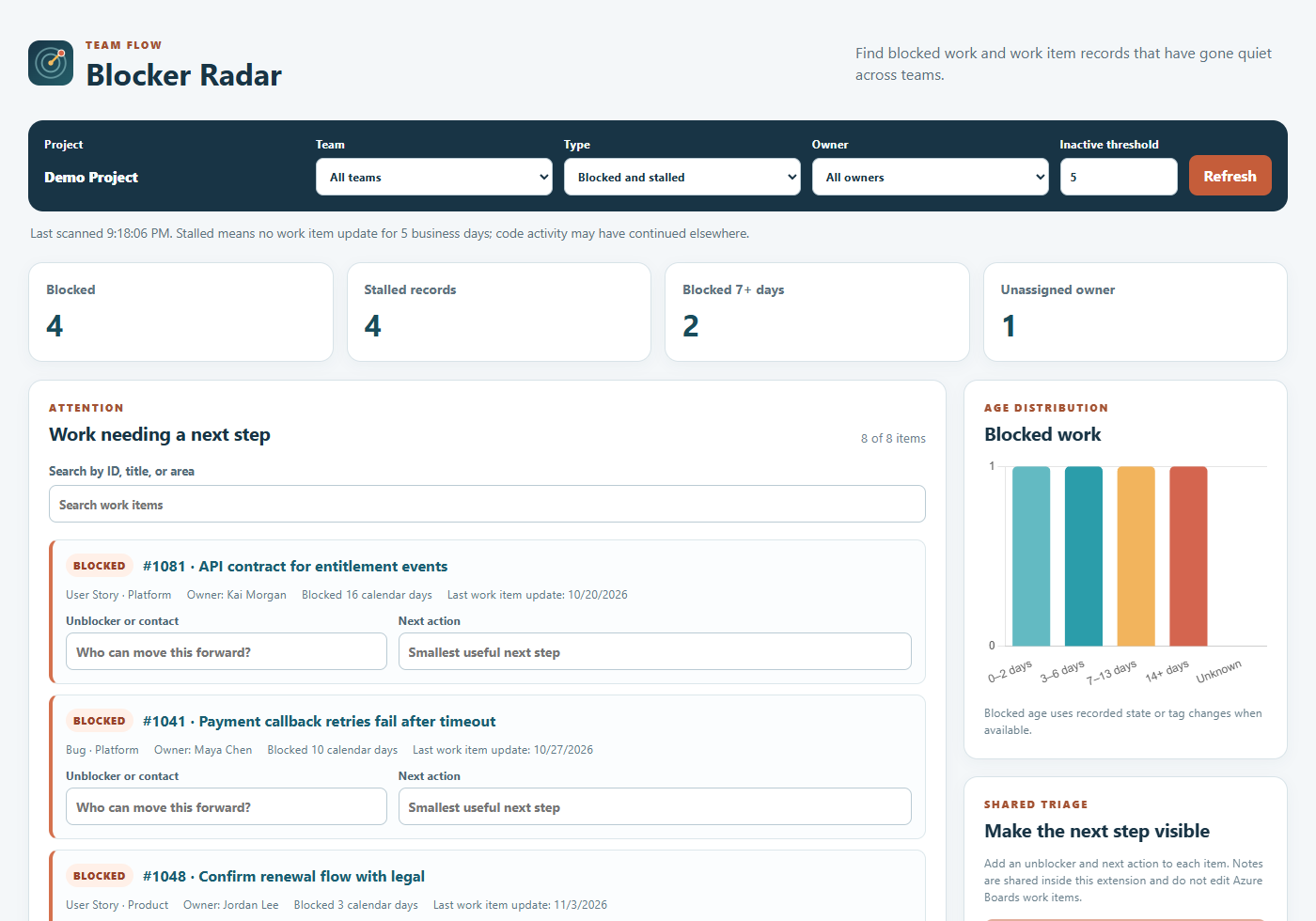
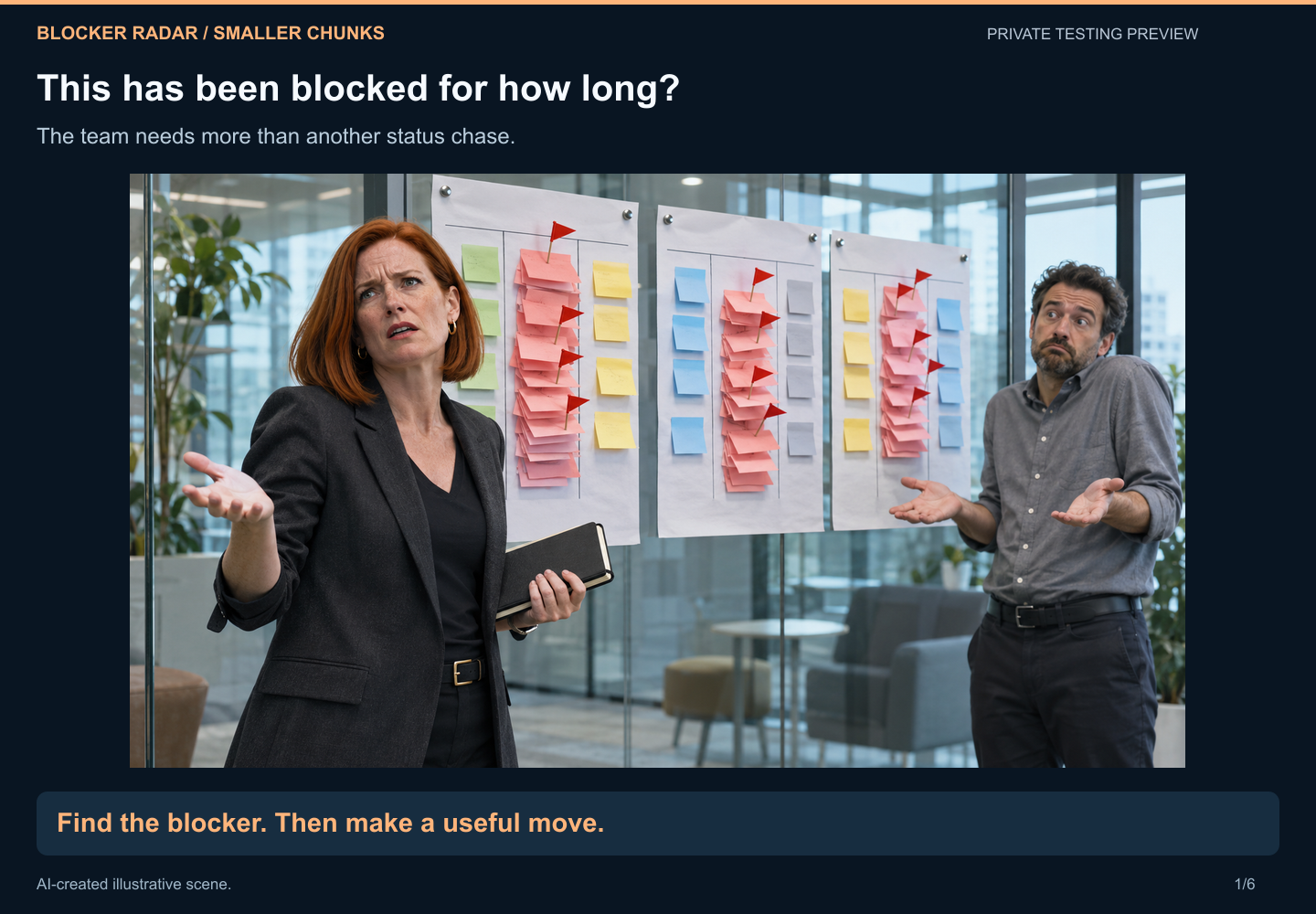
Product demonstrations use fictional data. The office and team scenes are illustrated, not product UI.
FROM SIGNAL TO ACTION
Blocker Radar finds items in a Blocked state or with an exact Blocked tag and groups them by team area and owner.
Choose a business-day threshold for work items without updates. The signal describes work item activity; development may have continued in code or conversation.
Add an unblocker or contact and a specific next action. Save the notes for the team without editing Azure Boards work items.
FIRST PASS
Blocker Radar is a separate tool available as a private Testing preview to organizations with access to its existing Testing listing. This page does not announce a public Marketplace offer.