
BOARDS QUERIES
Filter
Define. Preview. Save.
Build work-item filters with familiar fields and operators, see the WIQL Azure DevOps will run, preview matches, and save the query to Shared Queries—without drafting WIQL from scratch.
Full edition
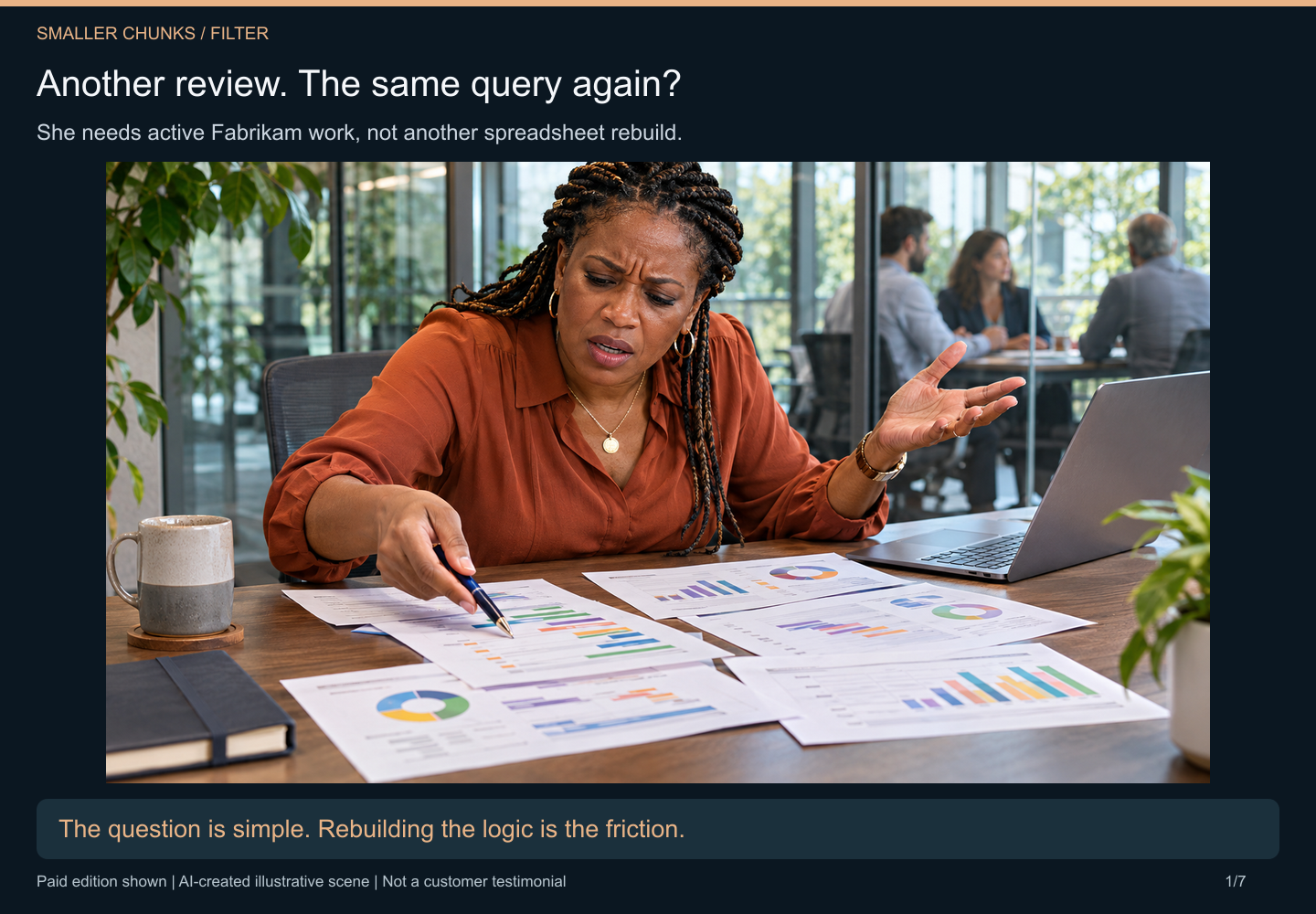
Actual product demo with fictional data; people scenes are illustrated.
- Visual AND / OR clauses
- Live WIQL preview
- Copy or save shared queries
- Free and full editions
EDIT THE QUERY
Change a condition directly.
Choose a field, operator, and value. Group conditions with AND / OR, then run the query to review matching work items.

SAVED CONDITIONS · FILTER FULL EDITION
Name it once. Reuse it in the next query.
Save an individual condition or an entire AND / OR group with a useful name. Expand its saved details to check the rules, then drag it into a query instead of rebuilding the same filters.

Start with the Free edition.
Free edition
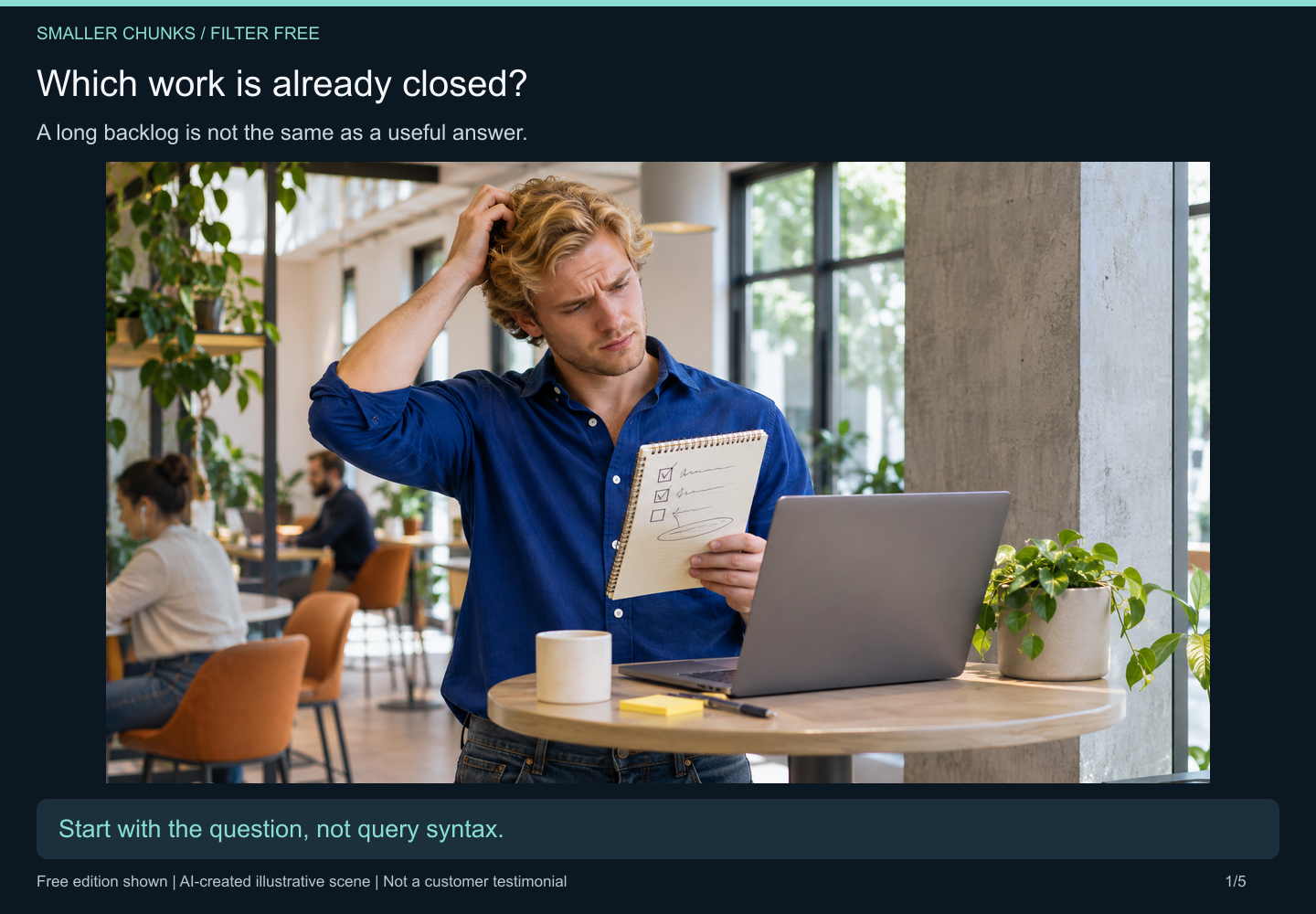
Actual product demo with fictional data; people scenes are illustrated.
GET STARTED
Set up in Azure DevOps
Install Filter from the marketplace edition available to your organization, then open Boards → Filter. The hub uses your signed-in identity to load field metadata, run WIQL, and create shared queries.
- Install the Filter extension for your organization (Testing or Production, depending on availability).
- Open Azure DevOps Boards and choose Filter from the hub picker.
- Add filters, choose work item types if needed, and select Preview results.
- Copy WIQL or enter a name and choose Save to Shared Queries for your team.